The IMW is a subset of the Amplifier Design Wizard (ADW). It is used to synthesize lumped-element, distributed or mixed lumped/distributed matching networks.
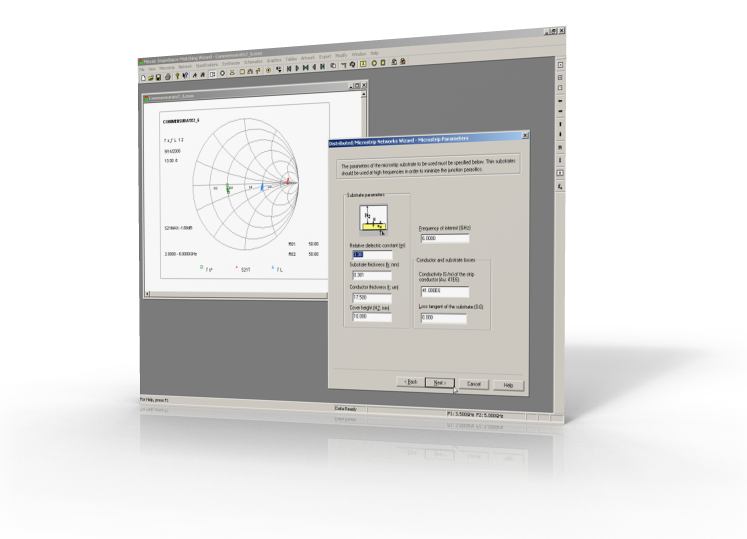
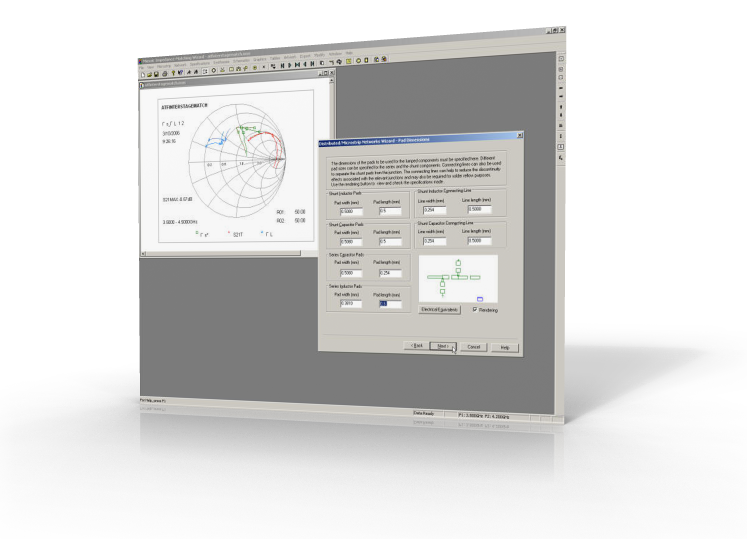
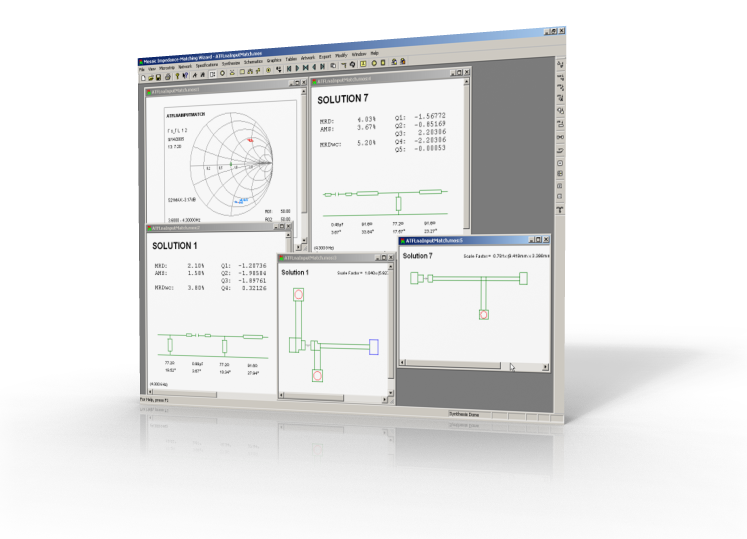
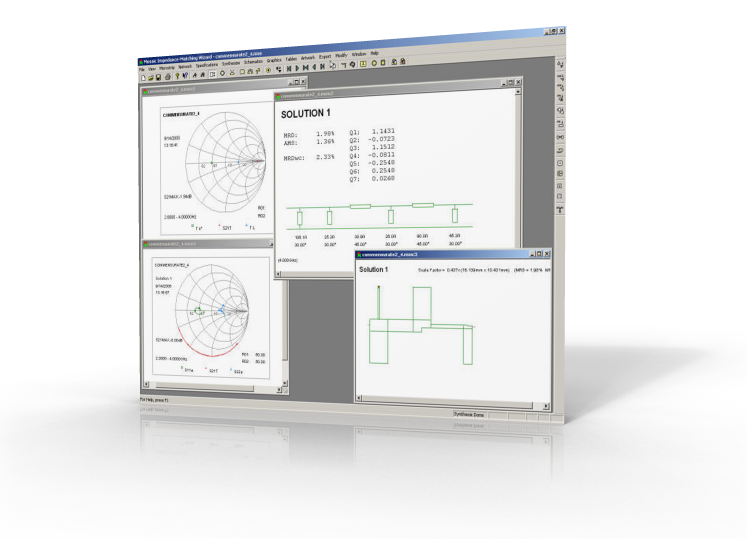
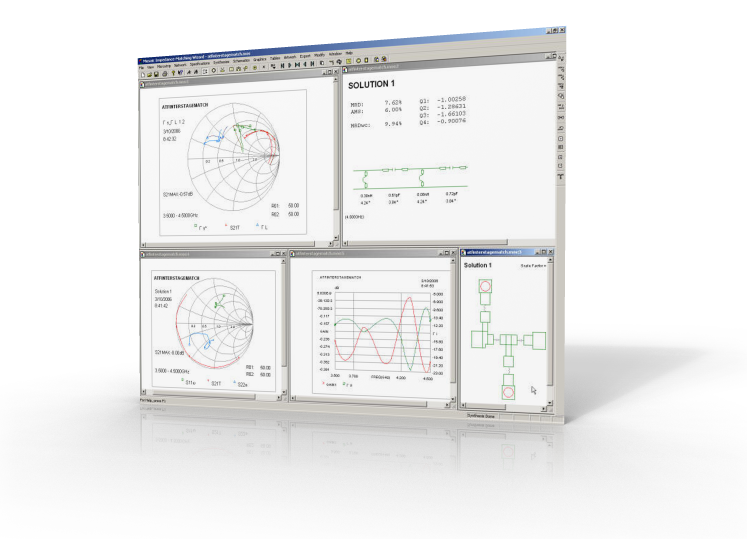

The IMW provides powerful synthesis features without sacrificing flexibility. With the IMW, pads and connecting lines, as well as parasitic inductance for capacitors and parasitic capacitance for inductors, can be specified for the networks to be synthesized. Shunt overlay capacitors and stepped main line sections may also be used. Different types of networks can be synthesized, affording you greater flexibility.
Broadband Impedance Matching. With the IMW, impedance matching targets can be set over any frequency range. Matching networks are synthesized to minimize the gain error over the specified frequency range. A gain target of unity is usually used when the input or output reflection should be low.
Automatic Artwork Generation. The Impedance-Matching Wizard can transform the electrical description of a synthesized matching network into microstrip form, with automatic compensation for discontinuity effects. Via hole terminations or inductors (bond wire terminations) can be added automatically for shorted stubs, and commands are provided to curve or meander lines. The artwork associated with each solution can also be modified graphically.
Comprehensive export capabilities. If required, the microstrip circuit
designed can be processed further with a general-purpose microwave simulator.
To ease the transition, the following export capabilities are
provided:

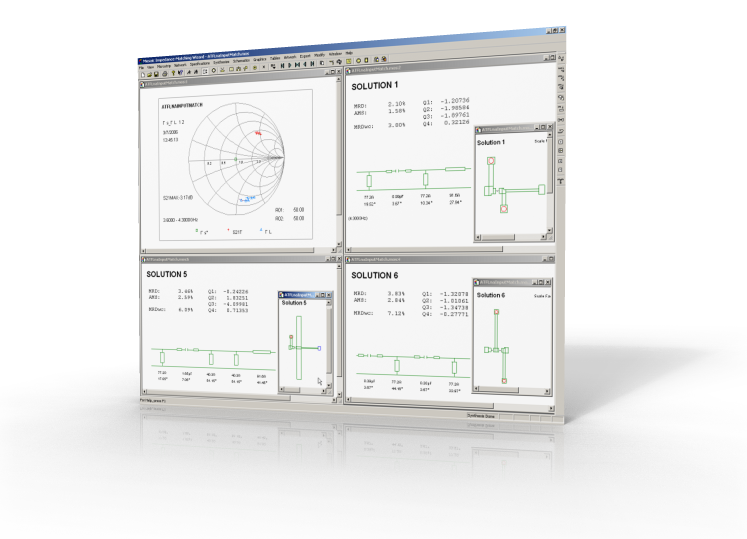
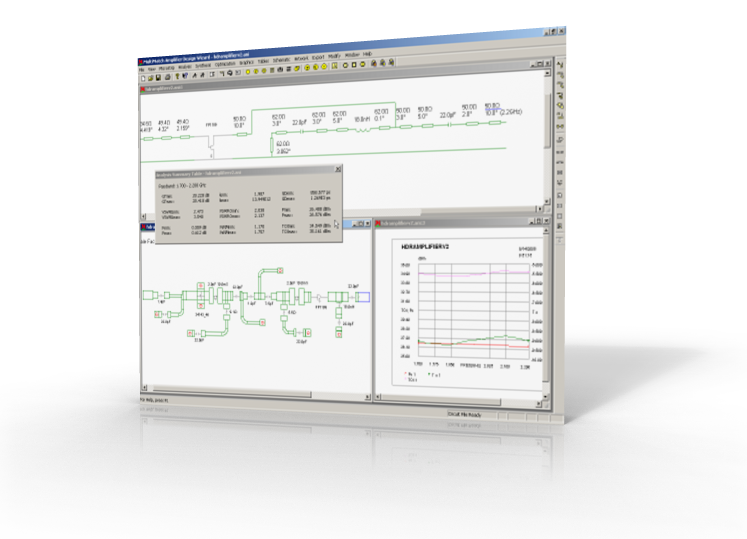
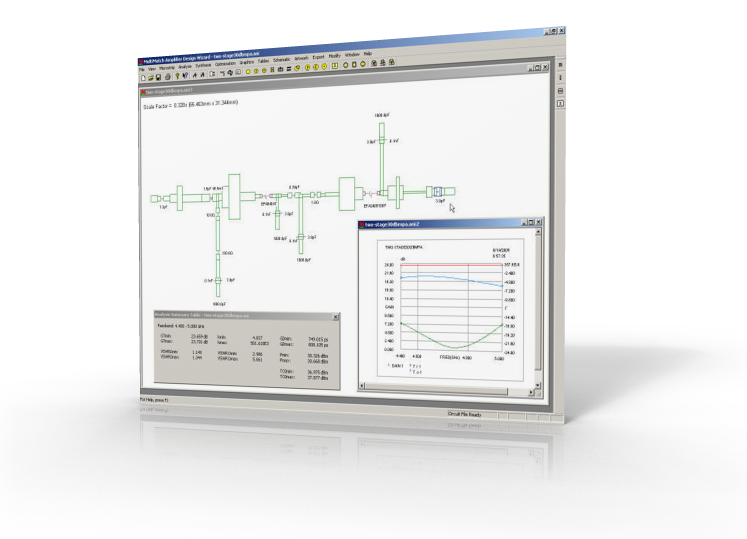
Be equipped with powerful synthesis features without sacrificing flexibility. With the IMW, pads and connecting lines, as well as parasitic inductance for capacitors and parasitic capacitance for inductors, can be specified for the networks to be synthesized. Shunt overlay capacitors and stepped main line sections may also be used. Different types of networks can be synthesized, affording you greater flexibility. The network allowed are:
Broadband Impedance Matching. With the IMW, impedance matching targets can be set over any frequency range. Matching networks are synthesized to minimize the gain error over the specified frequency range. A gain target of unity is usually used when the input or output reflection should be low.
Automatic Artwork Generation. The Impedance-Matching Wizard can transform the electrical description of a synthesized matching network into microstrip form, with automatic compensation for discontinuity effects. Via hole terminations or inductors (bond wire terminations) can be added automatically for shorted stubs, and commands are provided to curve or meander lines. The artwork associated with each solution can also be modified graphically.
Comprehensive export capabilities. If required, the microstrip | stripline circuit
designed can be processed further with a general-purpose microwave simulator.
To ease the transition, the following export capabilities are
provided:
The Impedance-Matching Wizard is a Visual C++ 2012 Unicode MFC (Microsoft Foundation Class) WindowsTM application, with a user-friendly interface.
To find out more about the Impedance-Matching Wizard's features and capabilities, be sure to view some of the screencasts provided.

A WindowsTM operating system (Windows XP/VistaTM/7TM) is required to run the Impedance-Matching Wizard. Windows 7TM is recommended for the Impedance-Matching Wizard.
The minimum recommended harware requirements are shown in the table below.
| Processor: | 1.5 GHZ |
| RAM: | 32 MB |
| Graphics Resolution: | 1680x1050 px |
| Screen Size: | 20 " |
| Mouse: | 2-button with scroll wheel |
The software is supplied on a CD ROM disk. The latest installation programs and any updates available can also be downloaded from the Client Portal on this website.
The software is protected against unauthorized use with a Safenet Sentinel USB keyTM or the Mirage Licence ProtectorTM. Standalone and network versions of the software are available. When the Mirage Licence ProtectorTM is used, the license is locked to a server computer or the computer on which the software is run. When a customer is not on support any more, the only option is a USB key.
If you are interested in this product, feel free to contact us for more information and a free quote.